new Desktop call recorder v. 3.1

                  Call recorder with transcription 
 
Call recording and transcription for Windows

Desktop call recorder records your calls in Zoom, Teams, Webex, Google Meet, WhatsApp, Viber, Slack and other apps. Recording starts when the call starts and stops when it ends. Version 3.1 can also turn a recording into text, so you can read a call instead of listening to it again. Transcription is done on your own computer and nothing is uploaded.

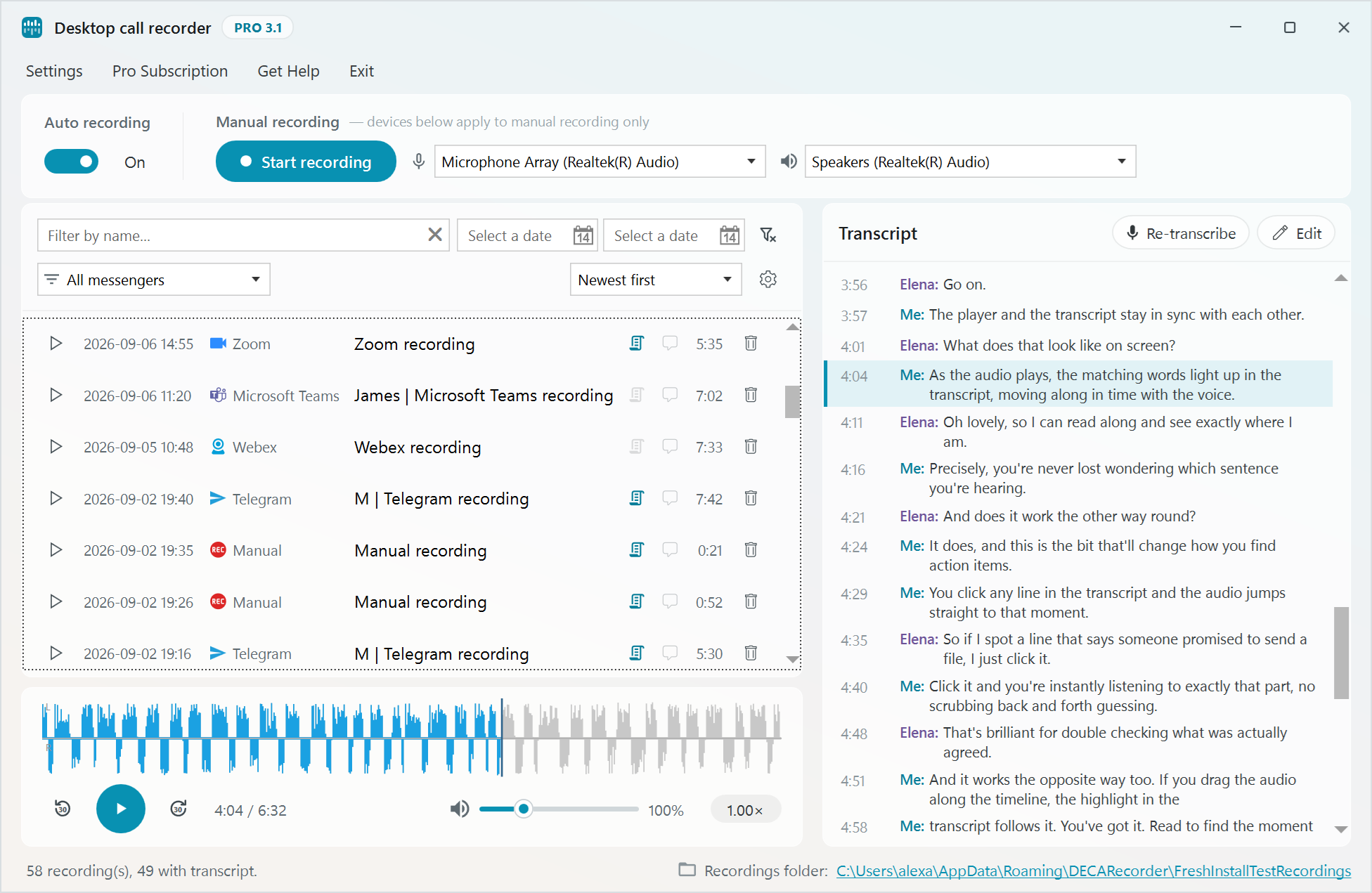
Desktop Call Recorder 3.1 main window with the recordings list and the transcript panel

 New in version 3.1:

  • Transcription of recorded calls. Press Transcribe next to a recording, or turn on automatic transcription in Settings and new calls will be transcribed after they end.
  • Transcription runs on your PC. It uses the CPU only, a graphics card is not needed, and the audio is not sent anywhere.
  • Your voice and the other side of the call are recorded on separate channels, so the transcript shows who said each line.
  • Built-in player with a waveform, playback speed from 0.5x to 2x and volume boost up to 400% for quiet recordings.
  • The transcript scrolls along with playback. Click a line to jump to that place in the recording.
  • You can correct mistakes in the transcript by hand, or run the transcription again with a larger model. There are three models: base, small and large-v3-turbo.
  • The recordings list can be filtered by name, date and messenger.
  • Transcripts are saved next to the MP3 file as .txt and .srt files.

How transcription works ⇒   About the player ⇒

 Top Features:

  • Free for personal, non-commercial use. The free version transcribes the first 3 minutes of each call, Pro has no limit.
  • Automatic recording for Webex, Microsoft Teams, Zoom, WhatsApp, Telegram, Viber, Slack, Facebook Messenger, Signal, Line and VoiceEdge desktop clients, and for Google Meet and Google Voice in the browser.
  • Manual recording mode.
  • Echo cancellation.
  • Recordings are saved as MP3 files.
  • Starts with Windows and works in the background.
  • All recordings and transcripts are stored locally on your computer. Only you have access to them.
  • Stealth mode.

Learn more ⇒


New MP3 Skype Recorder v. 4.7 is released

Posted on: Tue, 01/27/2015 - 18:05 By: VOIP
New MP3 Skype recorder version 4.7
Download link - MP3SkypeRecorderSetup.msi (5.5 Mb)
Some bugs fixed
Bugs fixed:
- Issue with Skype recording on localized Windows versions
New feature:
- Bug report. Now you can send bug reports just from recorder window. It will add some technical information to report allowing to deal with bugs faster and in more effective way.
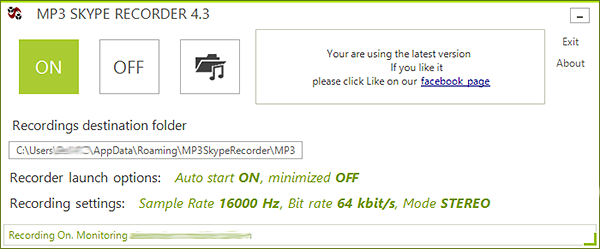
new MP3 Skype recorder v4.0 RC

Posted on: Thu, 11/14/2013 - 13:55 By: VOIP
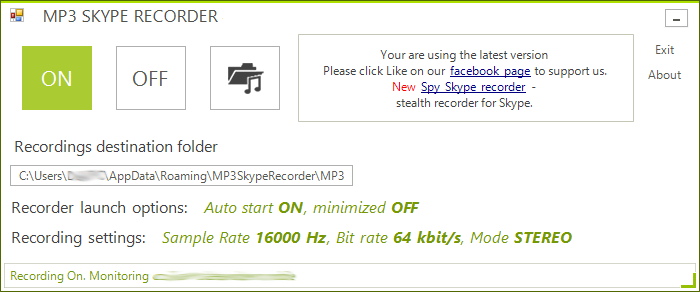
 MP3 Skype RecorderNew version of MP3 Skype recorder 4.0 Release Candidate is ready. 
New version doesn't require Skype API which will be stopped by Skype(Microsoft) next month. It has new "Metro" style look and in fact is completely new recorder. There is no proper installer at this moment, but if you willing to give it a try you can download using above link and run self-extracting archive. You can run new version along with old one, no uninstall is required.
Minimum requirements: Windows Vista or newer, .NET Framework 4.0 or 4.5, Skype Desktop version (if you using Windows 8)
If you have problems with downloading .exe file, please use zipped version
Subscribe to